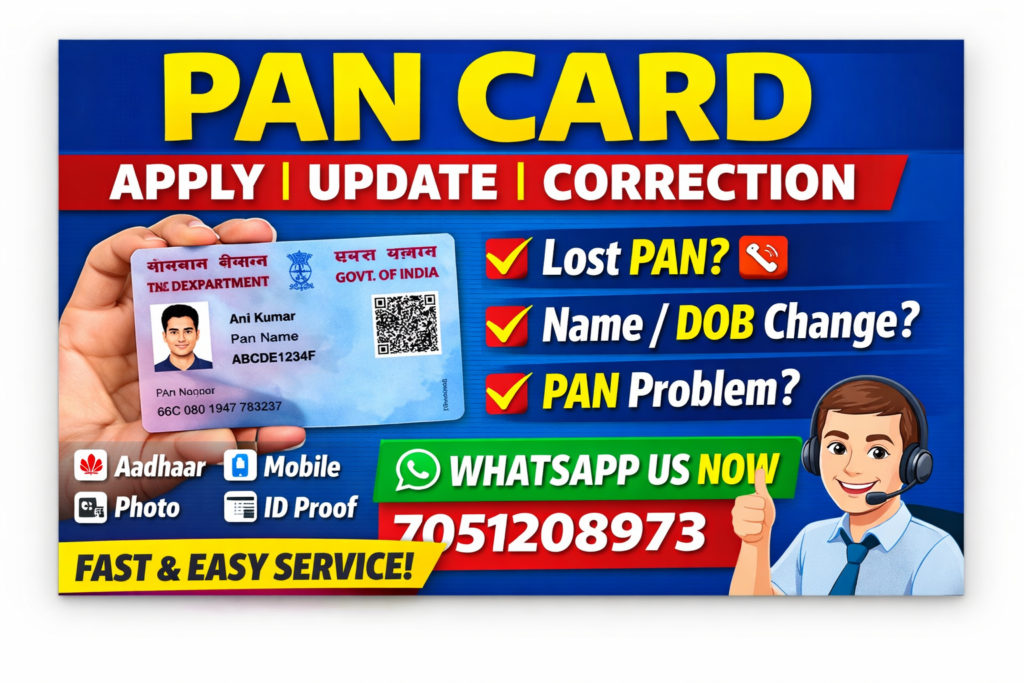
📌 Introduction
PAN Card (Permanent Account Number) ek unique identification number hai jo financial transactions aur tax related kaamon ke liye use hota hai. Yeh **Income Tax Department of India dwara issue kiya jata hai.
Aaj ke time mein PAN Card har vyakti ke liye zaroori ho chuka hai — chahe aap student ho, job karte ho ya business chalate ho.
🔢 PAN Card Kya Hota Hai?
PAN ek 10 digit alphanumeric number hota hai (Example: ABCDE1234F) jo har individual ko ek unique identity deta hai.
👉 Iska main purpose hai:
- Tax system ko track karna
- Financial fraud ko rokna
- Identity verification
🏦 PAN Card Kyu Zaroori Hai?
Agar aapke paas PAN Card nahi hai toh aap kai important kaam nahi kar sakte:
- Bank account open karna
- ₹50,000 se zyada transaction karna
- Income Tax Return (ITR) file karna
- Property kharidna ya bechna
- Loan aur credit card apply karna
👉 Isliye PAN Card har citizen ke liye mandatory document hai.
📄 PAN Card Banane Ke Liye Required Documents
PAN Card apply karne ke liye aapko bahut basic documents chahiye:
✅ Identity & Address Proof
- Aadhaar Card (most important)
✅ Other Requirements
- Passport size photo
- Signature
- Mobile number
- Email ID (optional but recommended)
👉 Aadhaar based PAN process sabse easy aur fast hota hai.
💻 PAN Card Apply Kaise Kare (Step-by-Step)
🟢 Online Process:
- Official PAN website (NSDL/UTI) open karein
- “New PAN Apply” option select karein
- Apni basic details fill karein
- Aadhaar OTP se verify karein
- Photo & signature upload karein
- Online payment karein
- Acknowledgement number save karein
👉 7–15 din ke andar PAN Card generate ho jata hai
👉 e-PAN turant mil sakta hai
✏️ PAN Card Correction / Update Process
Agar aapke PAN Card mein koi galti hai toh aap correction karwa sakte hain:
🔧 Common Corrections:
- Name correction
- Date of Birth (DOB) correction
- Address update
- Signature change
📌 Process:
- Correction form fill karein
- Sahi documents upload karein
- Fees pay karein
- Updated PAN Card receive karein
🔄 Lost PAN Card / Duplicate PAN
👉 Agar aapka PAN Card kho gaya hai ya damage ho gaya hai:
✔ Duplicate PAN apply karein
✔ Ya e-PAN download karein
👉 e-PAN fully valid hota hai aur PDF format mein milta hai
📥 e-PAN Download Kaise Kare
- Official website par jayein
- PAN number enter karein
- Mobile OTP verify karein
- e-PAN download karein
⚠️ Important Rules & Guidelines
- Ek person ke paas sirf 1 PAN Card hona chahiye
- Multiple PAN illegal hai
- PAN ko Aadhaar se link karna zaroori hai
- Galat details dene par penalty lag sakti hai
💰 PAN Card Fees
| Service | Fees (Approx) |
|---|---|
| New PAN Apply | ₹107+ Service Charge |
| PAN Correction | ₹107 + Service Charge |
| e-PAN Download | Free / Minimal |
📞 🔥 PAN Card Service – Contact Us (IMPORTANT)
👉 Agar aapka PAN Card kho gaya hai
👉 Ya aapko PAN Card banane mein problem aa rahi hai
👉 Ya aap PAN correction / update karwana chahte hain
👉 Toh aap humse sampark kar sakte hain 👇
📱 WhatsApp us on : 7051208973
✔ Humari Services:
- New PAN Card Apply
- PAN Card Correction / Update
- Lost PAN Card Recovery
- e-PAN Download
- Fast Online Processing
👉 Easy process + trusted service + quick support 💯
👉 Aaj hi contact karein aur apna kaam bina tension ke karwayein!
🎯 Conclusion
PAN Card ek essential document hai jo har financial aur legal kaam ke liye zaroori hai. Agar aapke paas PAN Card nahi hai ya usme koi problem hai, toh turant apply karein ya expert ki help lein.
⚠️ Disclaimer
Yeh article informational purpose ke liye hai. Official rules aur fees time ke saath change ho sakti hain.